Download TikOps
The full TikOps experience as a native Windows app — everything the web version does, plus mouse and keyboard automation support.
Windows 10 / 11 · 64-bit · Free download
Why use the desktop app?
Everything the web version does — plus features that only a native app can unlock.
Mouse & keyboard automation
Trigger real mouse clicks and keystrokes from TikTok LIVE events. Only possible in the desktop app — not available in the browser version.
Local audio playback
TTS and sound alerts play through your system audio directly — no browser tab required.
Full dashboard included
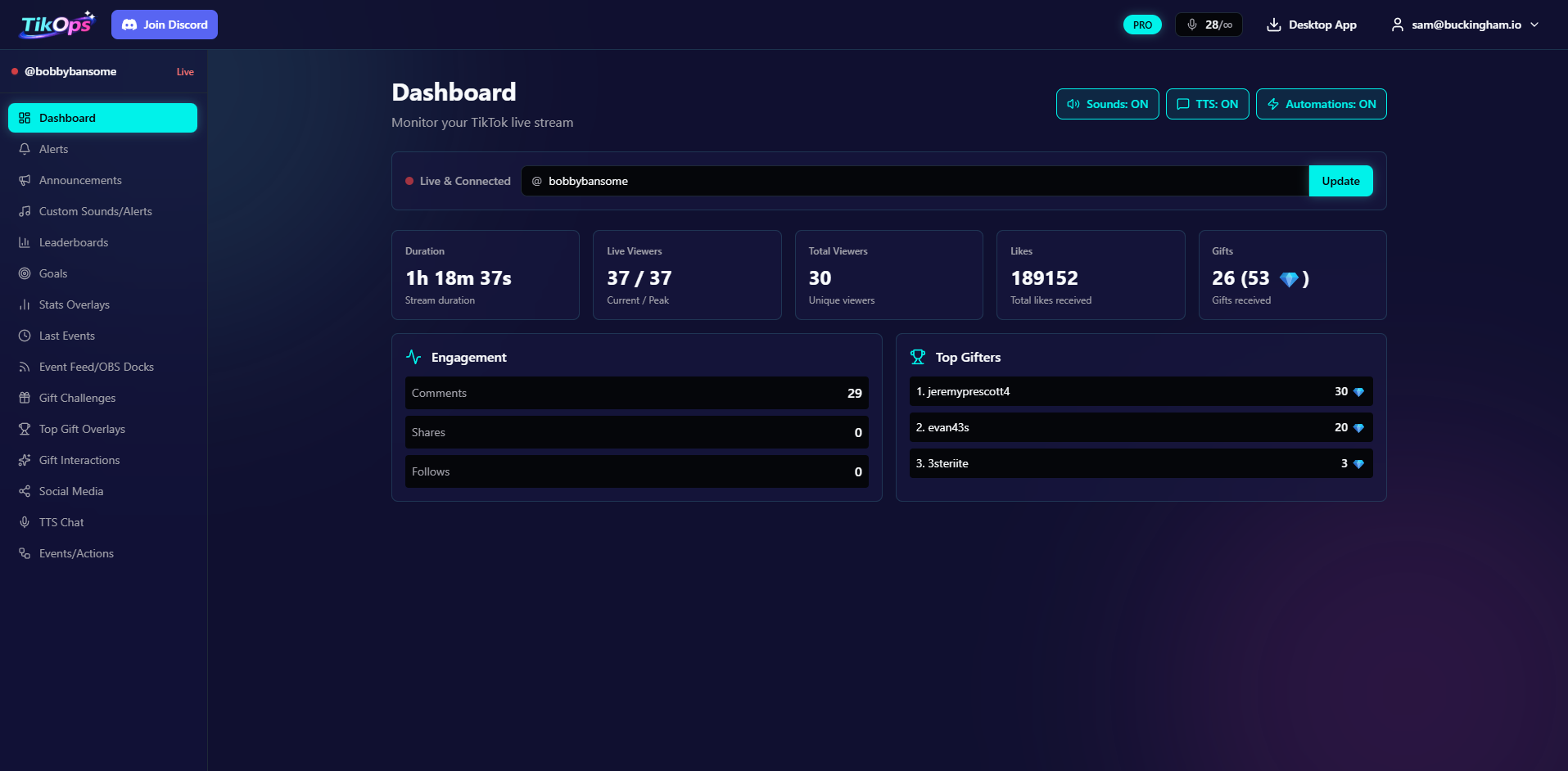
All your overlays, alerts, leaderboards, automations, and settings are right there in the app — it's the complete TikOps experience, not just a helper.
All automations supported
Every automation action available on the web works in the desktop app too — plus the exclusive mouse and keyboard actions.
Web or desktop — your choice
The desktop app is the full TikOps experience in a native Windows window. Use whichever you prefer — both have the same overlays, alerts, leaderboards, and settings.
The only reason to use the desktop app over the browser is if you need mouse and keyboard automation, or prefer a native app. Create your free account to get started.
Ready to level up your stream?
Free to start. Download the app whenever you're ready.